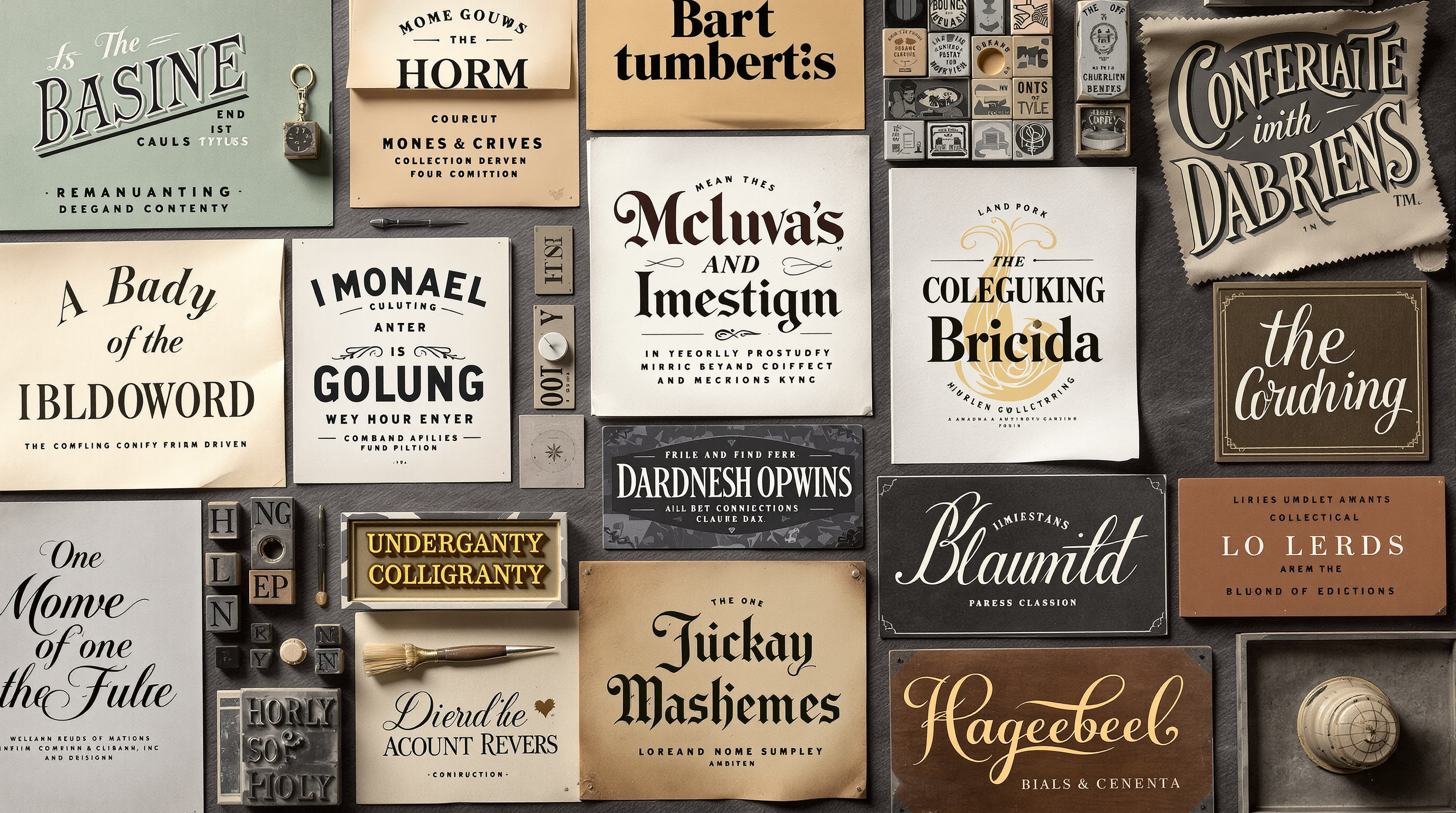
Typography is the art and technique of arranging type to make written language legible, readable, and appealing. It encompasses font selection, point size, line length, line spacing, and letter spacing. Good typography guides readers effortlessly through content while reinforcing visual identity.
Understanding Typeface Categories
Typefaces (commonly called fonts) fall into several categories, each with distinct characteristics and appropriate uses. Understanding these categories helps in selecting fonts that match design intent.
Serif Typefaces
Serif fonts feature small decorative strokes at the ends of letters. Traditional and authoritative, serifs excel in long-form reading. Classic examples include Times New Roman, Garamond, and Georgia. The Google Fonts library offers numerous quality serif options.
Sans-Serif Typefaces
Sans-serif fonts lack the decorative strokes, creating clean, modern appearances. They often work well on screens and for headlines. Popular sans-serifs include Helvetica, Arial, and Open Sans. Their simplicity suits contemporary design aesthetics.
Display Typefaces
Display fonts are designed for headlines and short text at large sizes. They offer personality and visual impact but sacrifice readability at small sizes. Use display fonts sparingly for maximum effect.
Script and Decorative Typefaces
Script fonts mimic handwriting, ranging from elegant calligraphy to casual brush styles. Decorative fonts offer unique visual treatments. Both require careful application and are unsuitable for body text.
Typography Terms
- Kerning: Spacing between specific character pairs
- Tracking: Uniform spacing across entire text blocks
- Leading: Vertical spacing between lines
- X-height: Height of lowercase letters
- Baseline: Invisible line where letters sit
- Weight: Thickness of strokes (light, regular, bold)
Font Pairing
Most designs benefit from two or three fonts: one for headings, one for body text, and perhaps an accent font. Pairing fonts effectively requires understanding contrast and harmony.
Contrast Principles
Successful pairings often combine contrasting styles: a bold display font with a subtle body font, or a decorative serif headline with a clean sans-serif body. The contrast creates visual interest while maintaining hierarchy.
Avoiding Conflict
Fonts that are too similar compete rather than complement. Two different serifs often clash because differences feel like mistakes rather than intentional contrast. When in doubt, increase contrast between paired fonts.
Superfamilies
Some type families include both serif and sans-serif versions designed to work together. Superfamilies like Lucida, Droid, or IBM Plex offer built-in pairing compatibility, simplifying font selection.
Typographic Hierarchy
Hierarchy guides readers through content by signaling relative importance. Without clear hierarchy, readers struggle to navigate even well-written content. Resources like Practical Typography by Matthew Butterick offer excellent guidance on hierarchy systems.
Size
Larger text commands more attention. Headlines should be noticeably larger than body text, with subheadings at intermediate sizes. Establish consistent size ratios, such as a modular scale based on multiplication factors.
Weight
Bolder text attracts the eye before lighter text. Use bold weights for emphasis and important elements. Avoid overusing bold, which diminishes its impact and impairs readability.
Color and Space
Color and whitespace also establish hierarchy. Important elements can receive color treatment, while generous spacing around elements signals significance. Combining multiple hierarchy signals creates clear, scannable layouts.
Readability and Legibility
Legibility refers to how easily individual characters can be distinguished; readability refers to how comfortably text can be read in context. Both are essential for effective typography.
Line Length
Optimal line length for body text falls between 45 and 75 characters. Shorter lines interrupt reading flow; longer lines make it difficult to track back to the next line. Adjust column width to achieve comfortable line lengths.
Line Spacing
Adequate line spacing (leading) improves readability, especially for long-form content. A general guideline suggests line spacing between 1.25 and 1.5 times the font size. Tighter leading works for short, display text.
Contrast
Ensure sufficient contrast between text and background. Dark gray text on light backgrounds often works better than pure black, which can create harsh contrast on bright screens.
"Typography is what language looks like." Every typographic choice communicates something. Thoughtful typography enhances content; poor typography undermines even excellent writing.
Web Typography
Digital typography presents unique challenges: varying screen sizes, rendering differences between browsers, and loading performance. Web fonts have expanded digital typography possibilities, but they require thoughtful implementation.
Web-Safe Fonts
Web-safe fonts are installed on most operating systems, ensuring consistent display without additional loading. Common web-safe options include Arial, Georgia, Times New Roman, and Verdana.
Custom Web Fonts
Services like Google Fonts and Adobe Fonts provide extensive libraries of web-optimized fonts. When using custom fonts, consider file size impact on page loading speed and implement efficient loading strategies.
Responsive Typography
Typography should adapt to different screen sizes. Implement responsive sizing using relative units or CSS clamp functions. Adjust line lengths and spacing for optimal readability across devices.
Variable Fonts
Variable fonts represent a significant advancement in web typography. A single variable font file contains an entire range of weights, widths, and other axes of variation, replacing the need to load multiple individual font files. This reduces page weight while providing designers with far more precise typographic control. Major type foundries now offer variable versions of popular families, and browser support has matured to the point where variable fonts are production-ready for most projects.
Continue Your Design Education
- Color Theory - Combine type with effective color
- Graphic Design - Typography in context
- Web Design - Digital typography implementation